
***Expiring Soon***Two (2) Weeks FREE Trial of Our Bookkeeping Services!***

Why Your QuickBooks Books Are So Messy
And It Might Not Be Your Fault
CIS ATL
7/6/20263 min read
One of the first things I hear from new clients is:
"I don't understand it. Everything is connected to QuickBooks, so why are my books such a mess?"
The answer surprises them.
Because automation doesn't replace bookkeeping.
In fact, some of the messiest QuickBooks files I've ever cleaned up belonged to businesses using the most apps.
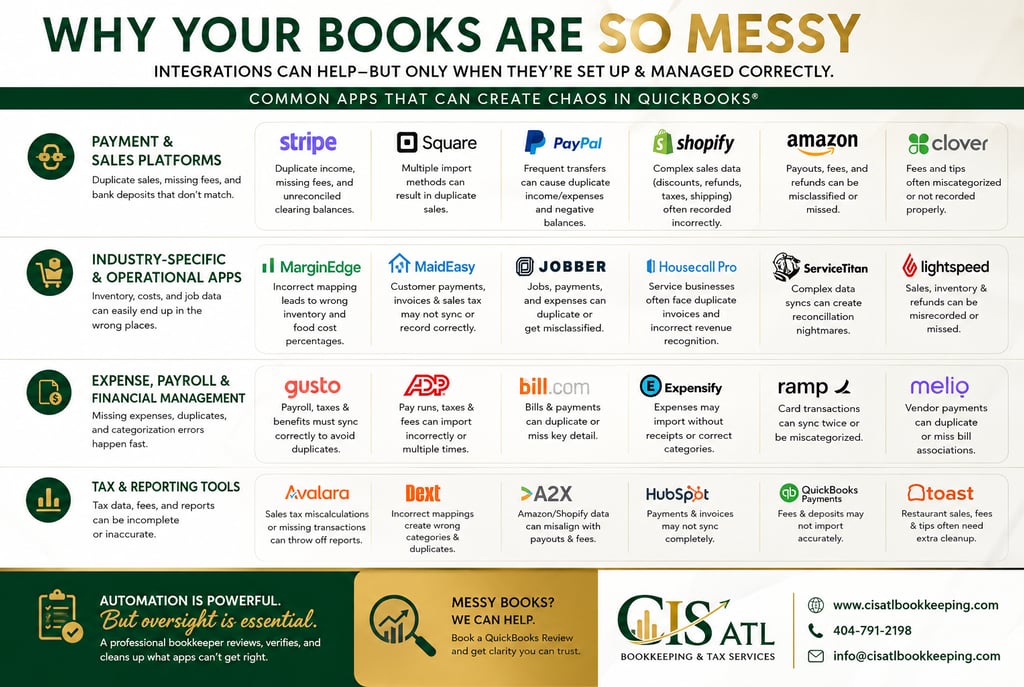
Today's businesses rely on dozens of software platforms:
Stripe
Square
MarginEdge
MaidEasy (formerly MaidCentral/MaidEasy platforms)
Housecall Pro
Jobber
Shopify
Amazon
PayPal
Clover
Toast
Gusto
ADP
Expensify
HubSpot
Dext
Ramp
Melio
Avalara
A2X
ServiceTitan
Lightspeed
WooCommerce
Every one of these systems can connect to QuickBooks.
But here's what most business owners don't realize.
Every connection is another opportunity for something to go wrong.
Automation Doesn't Mean Accuracy
Apps don't "understand" accounting.
They simply move data from one system into another based on rules.
If those rules are wrong...
If someone changes settings...
If the sync breaks...
If two different apps import the same transaction...
QuickBooks faithfully records the mistake.
Now your financial statements are wrong.
Here Are Some Common Problems I Find
Stripe
Stripe records deposits after deducting processing fees.
If it's connected incorrectly, I often find:
Duplicate income
Missing processing fees
Deposits that don't match the bank
Thousands sitting in the Stripe clearing account
Square
Square can import:
Individual sales
Daily summaries
Bank deposits
If more than one method is enabled, sales are often recorded multiple times.
Now revenue is overstated.
MarginEdge
Restaurants love MarginEdge.
It saves hours entering invoices.
But when vendors, inventory items, or expense accounts aren't mapped correctly, purchases end up in the wrong categories.
Your food cost percentages become meaningless.
Maid Service Software
Programs like MaidEasy, Jobber, and Housecall Pro manage scheduling and invoicing extremely well.
But I've seen situations where:
Customer payments never sync
Duplicate invoices appear
Sales tax is incorrect
Accounts receivable doesn't match reality
Shopify
Shopify isn't just sales.
It includes:
Sales tax
Refunds
Gift cards
Discounts
Shipping
Merchant fees
Trying to record only the bank deposit almost guarantees inaccurate revenue.
PayPal
One of the biggest troublemakers.
Money moves constantly between PayPal and the bank.
Without proper recording, businesses end up with:
Duplicate income
Duplicate expenses
Negative PayPal balances
Missing transfers
The Biggest Problem
The problem usually isn't QuickBooks.
It isn't Stripe.
It isn't Square.
It's that no one is watching how all these systems work together.
Technology automates transactions.
A professional bookkeeper verifies them.
That's a completely different job.
What I Do During a QuickBooks Review
When I review a client's books, I'm not just looking for uncategorized transactions.
I'm asking questions like:
Which apps connect to QuickBooks?
What is each app importing?
Are two systems recording the same sale?
Do deposits match the bank?
Are processing fees being captured correctly?
Are inventory and cost of goods sold accurate?
Are clearing accounts carrying old balances?
Is Undeposited Funds being used correctly?
Can we actually trust these financial statements?
Most business owners have no idea these issues exist until someone experienced starts asking the right questions.
Don't Let Automation Fool You
Automation is one of the best things to happen to small businesses.
But automation without oversight simply creates faster mistakes.
That's why "everything is connected" doesn't always mean "everything is correct."
If your financial reports don't make sense...
If your bank account never reconciles...
If your accountant keeps asking questions...
Or if your profit doesn't seem to match your sales...
The problem may not be your business.
It may be your app integrations.
That's exactly why every new client at CIS ATL Bookkeeping & Tax Services starts with a professional QuickBooks Review.
Before we fix anything, we identify what's actually causing the mess.
Because once you know the real problem, the cleanup becomes much faster, less expensive, and your financial reports become something you can finally trust.
Is Your QuickBooks Healthy?
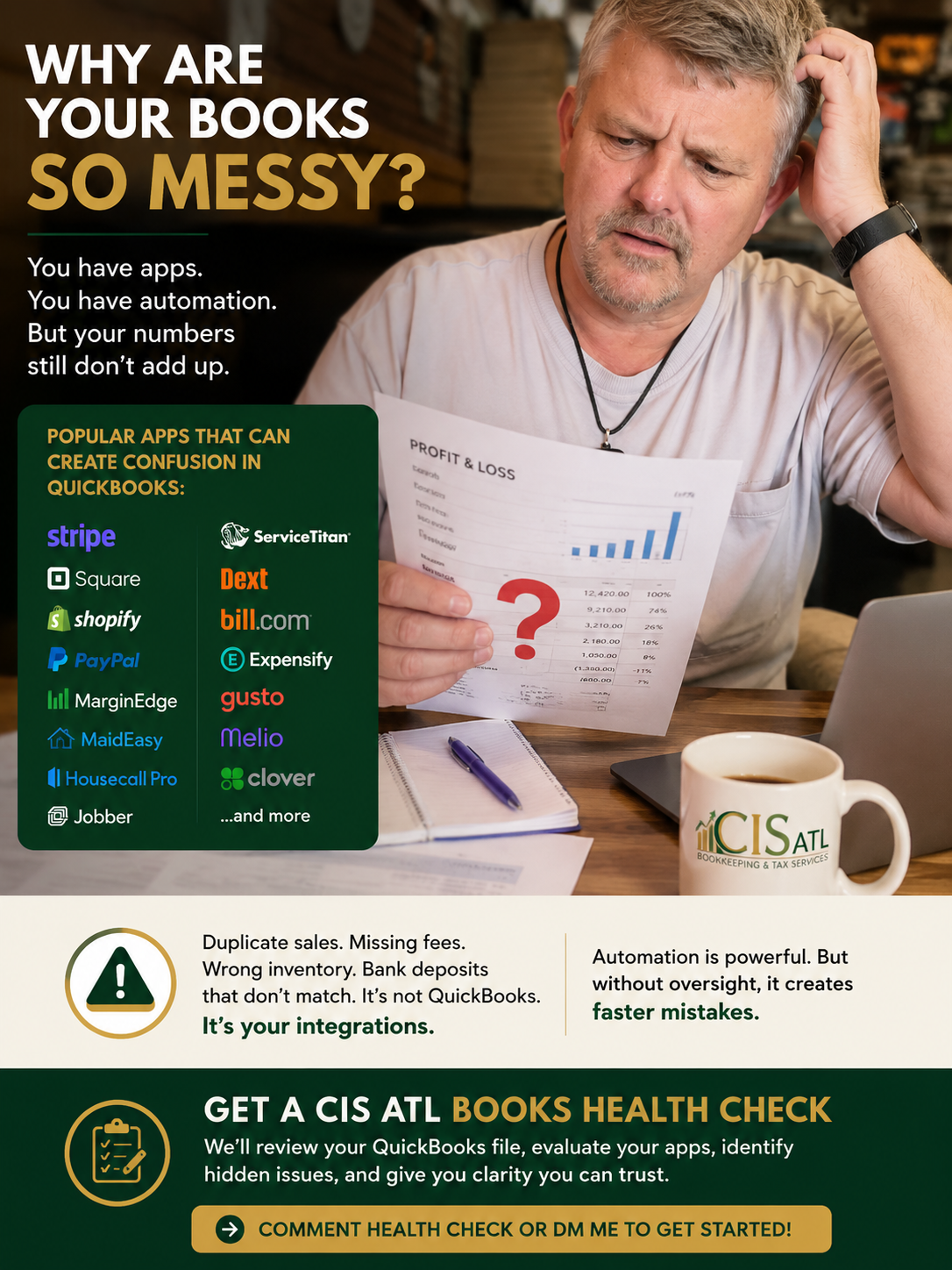
You've read how app integrations can quietly create duplicate sales, missing fees, reconciliation problems, and unreliable financial reports.
The question is...
Is it happening in your QuickBooks?
Don't wait until tax season or an expensive cleanup to find out.
Book a CIS ATL Books Health Check
During this review, we'll:
✔ Review your QuickBooks file
✔ Evaluate your app integrations and sync settings
✔ Identify hidden bookkeeping issues
✔ Highlight potential risks before they become costly problems
✔ Give you a clear action plan to restore confidence in your financials
📅 Schedule your CIS ATL Books Health Check today:
INDUSTRIES SERVED
OUR SOLUTIONS


Be the First to Know Follow for Early Insights!
Fintech
Education
Construction
Real Estate
Property Management
Waste Management
Polygraph & EyeDetect
Physical Security
Event Management
Nail, Hair and Beauty
© 2025 -Spark Digital-CIS ATL All rights reserved.
SITE MAP
About Us
Tax Preparation & Strategy
JOIN OUR COMMUNITY